Edge Publisher
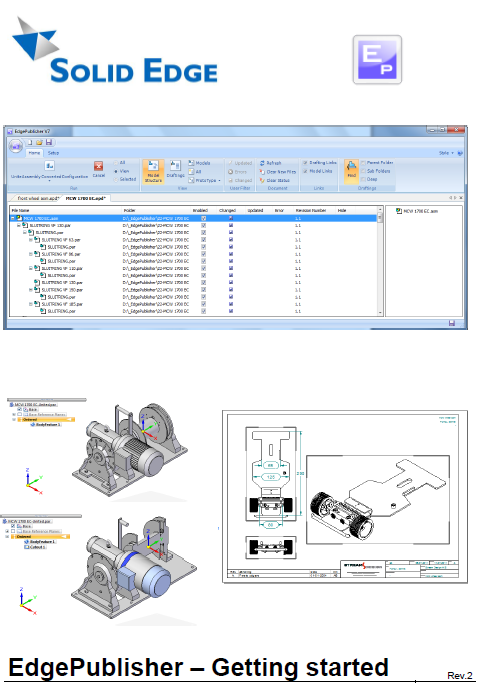
Edge Publisher est une application qui permet d'automatiser vos séquences de travail pour la vérification, la mise à jour et la publication de vos documents Solid Edge.
|
|
Print PDF
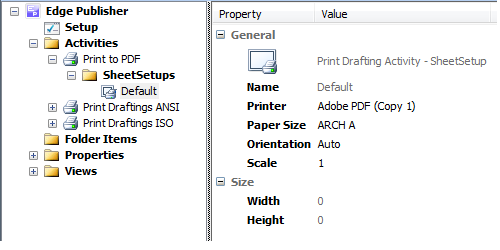
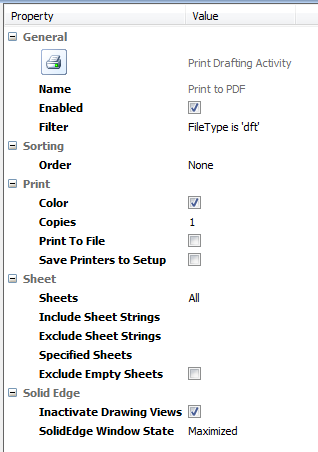
L'activité d'impression des documents PDF, permet la création de documents PDF pour la distribution digitale et l'archivage des documents.
La version gratuite vous permet de créer des activités d'impression de base pour vous permettre d'imprimer les feuilles de votre mise en page sur la bonne imprimante en fonction de la taille de la feuille.
Les options de base (Disponible avec la version gratuite)
Des options supplémentaires vous permettent de définir les pages à imprimer.
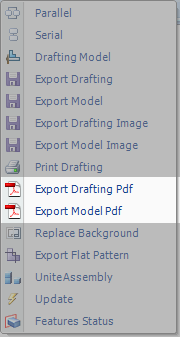
Les fonctions offertes avec le nouveau module d'impression des PDF (Nécessite le nouveau module d'impression PDF)
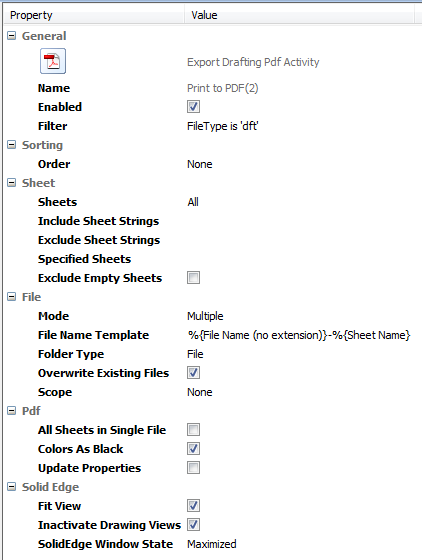
Le nouveau module d'activité PDF permet plus de souplesse dans la création de document PDF à partir des documents Solid Edge. Il permet de produire des documents PDF depuis une mise en page ou depuis un modèle 3D
Les options disponibles avec ce nouveau module d'activité PDF permettent de créer:
Chaque document PDF peut contenir des feuilles de différente taille positionnée de façon aléatoire dans le document.
MODE permet de créer un document PDF par mise en page (option Multiple) ou de fusionner plusieurs documents de mise en page dans un seul PDF (option Merge)
Lorsque vous travaillez avec la version ST3 et + trois paramètres sont disponibles :
|

 Projets